

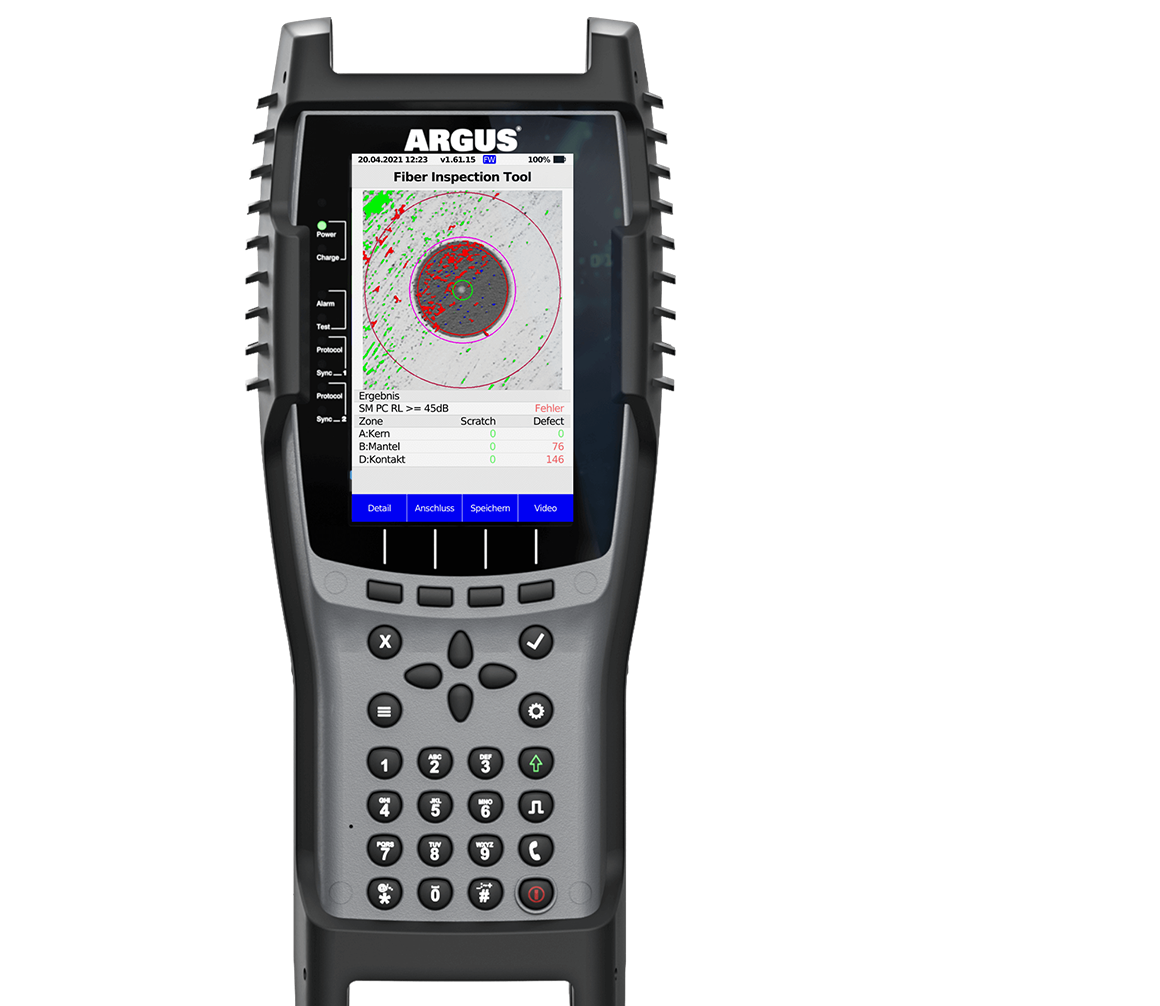
ARGUS® 300 – LIGHTS UP THE DARK
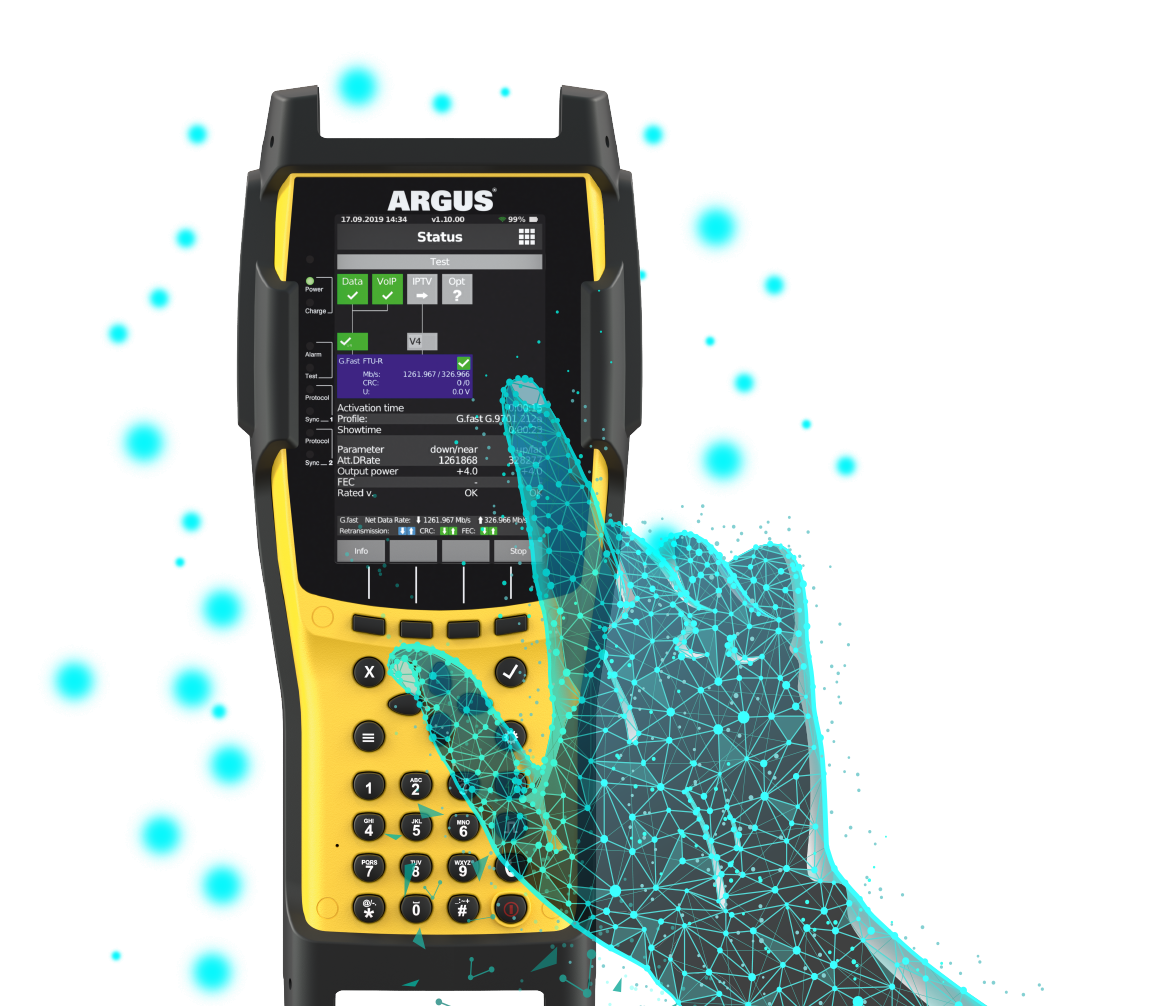
ARGUS® 260 – TOUCH THE NEXT GENERATION
Make your ARGUS®
a GPON tester
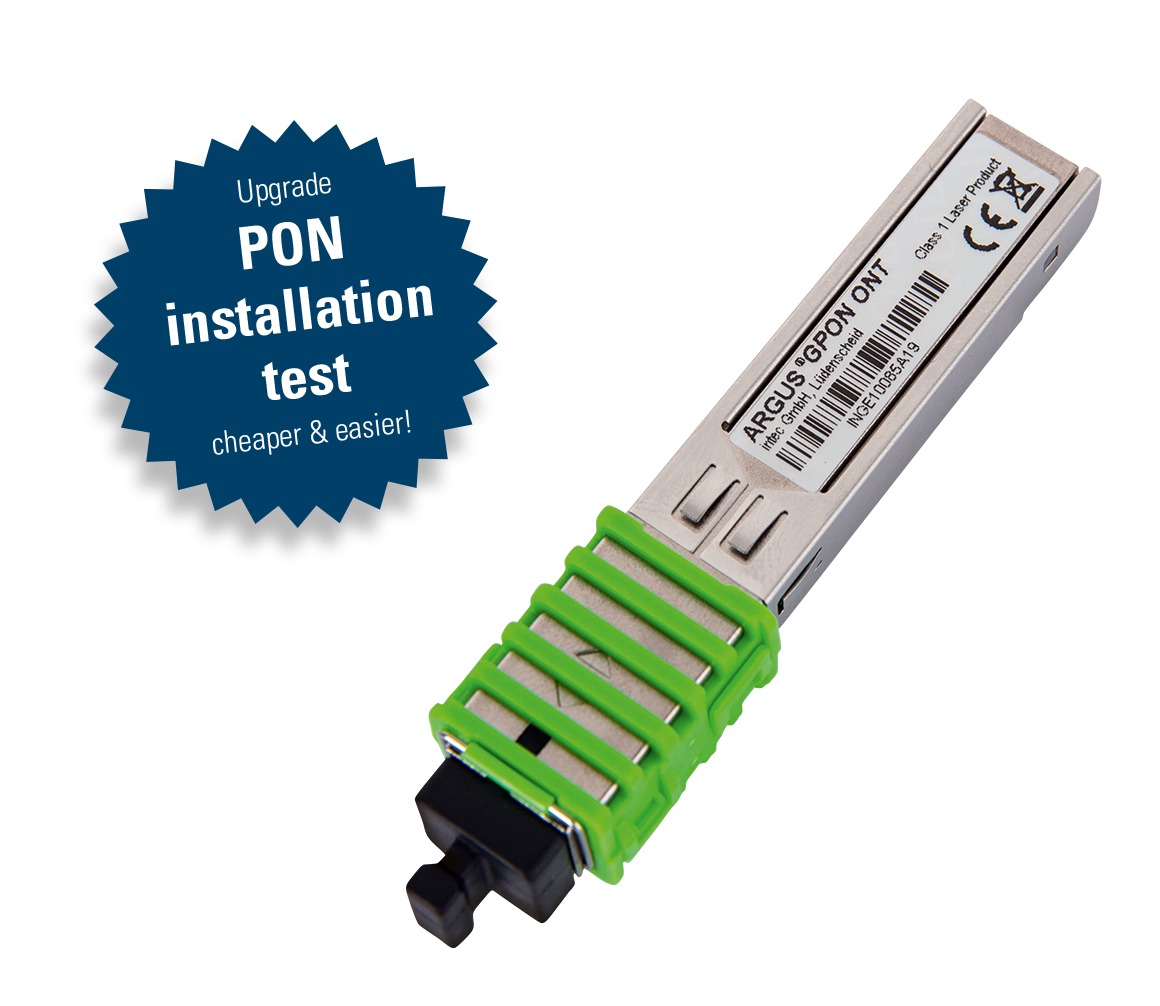
ARGUS®
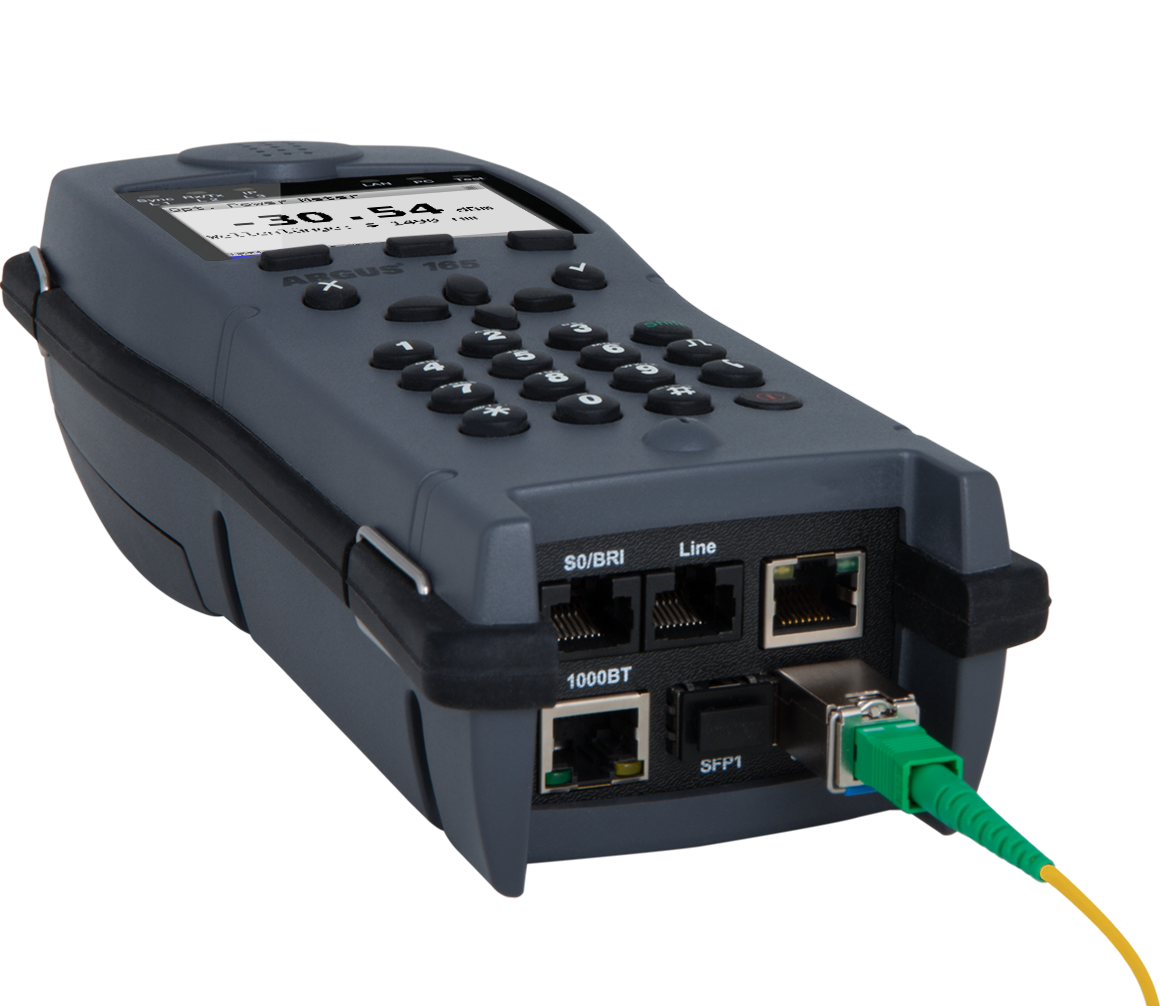
Optical Power Meter
Powerful and high-precision Optical Power Meter for all ARGUS testers with SFP slot
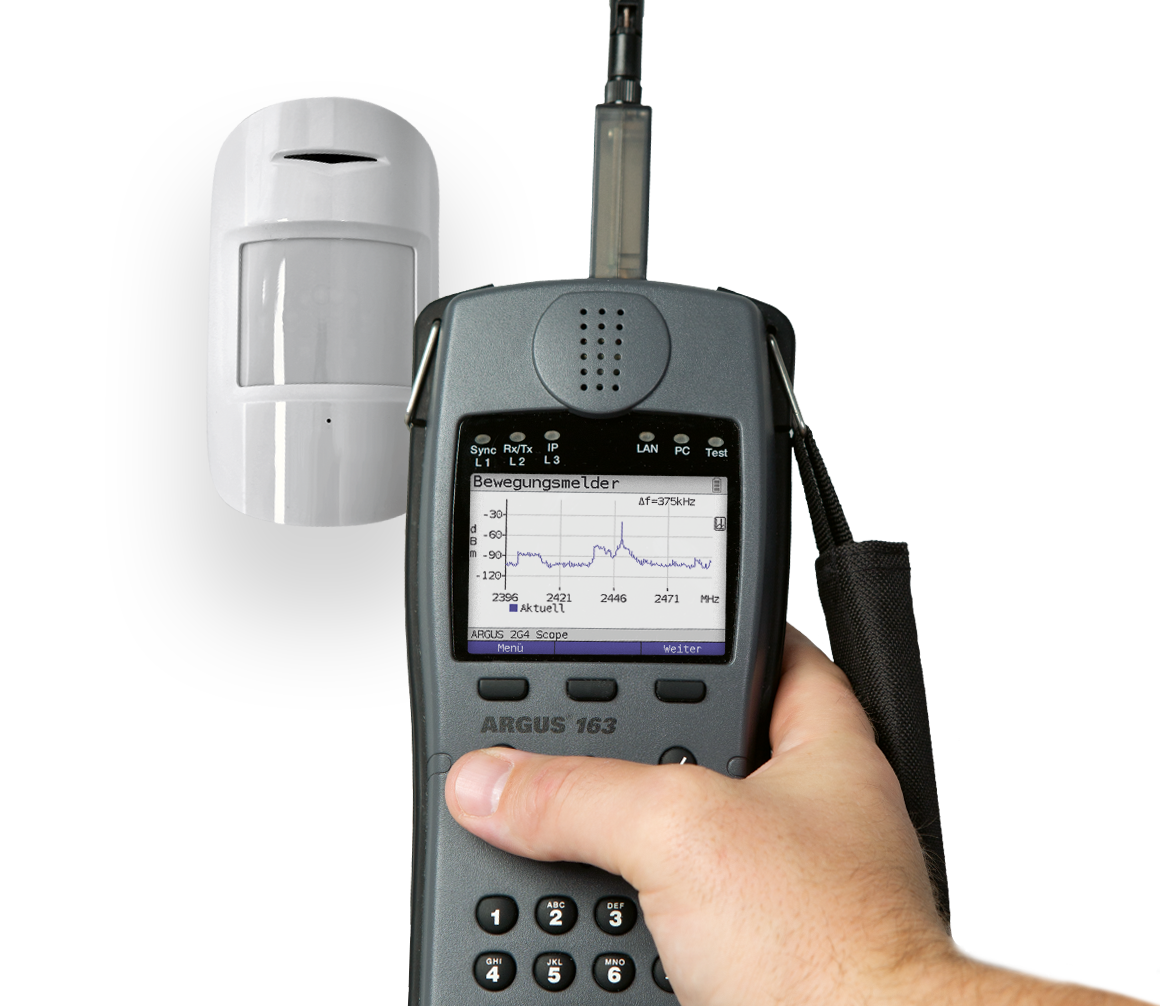
WLAN spectrum analysis with the
ARGUS® 2G4 Scope
… for the specific WLAN troubleshooting (e.g. Bluetooth, motion sensor, microwave oven etc.)
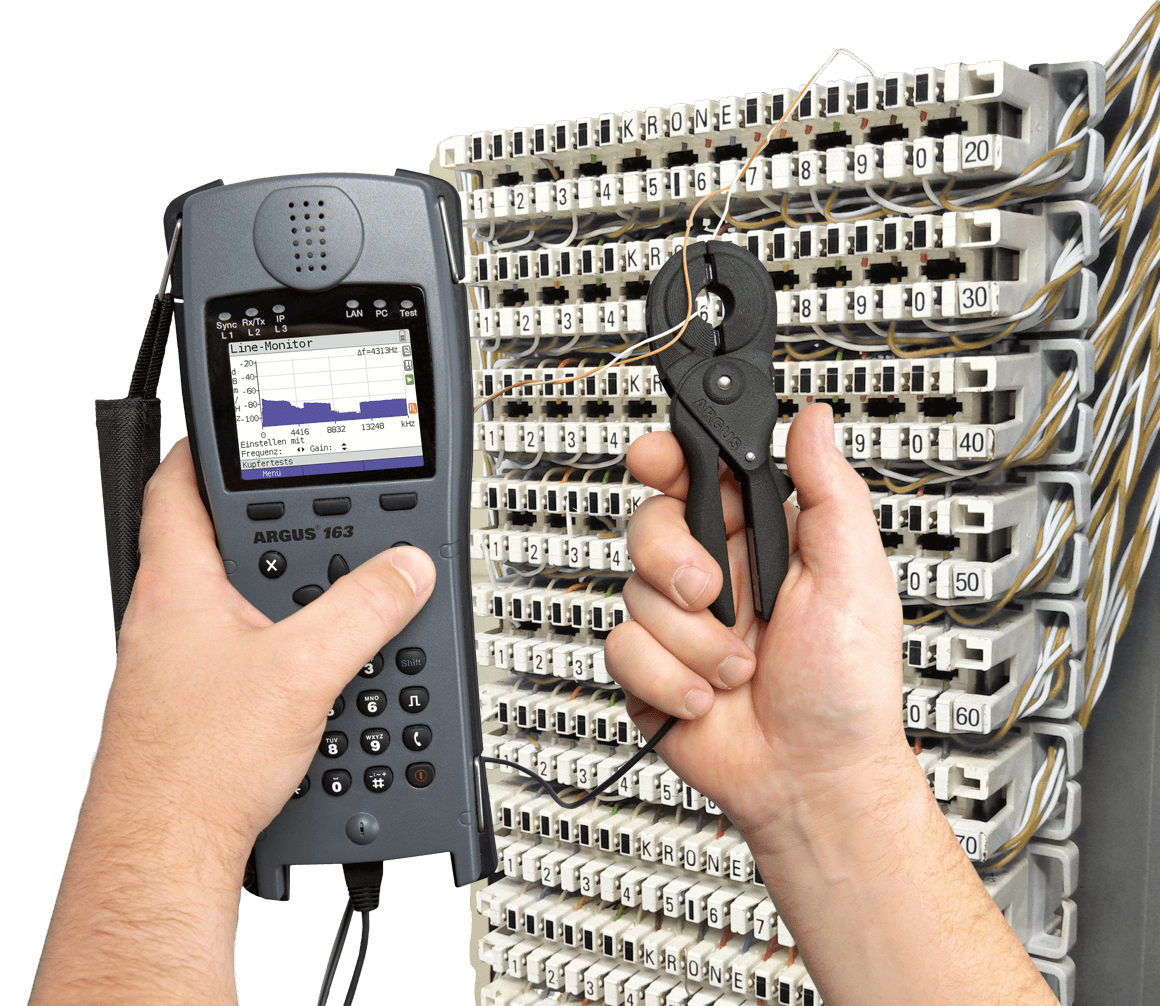
ARGUS®
RF Current Clamp
… for non-intrusive detection of interferers (e.g. power supplies) with Line Scope (graphical).
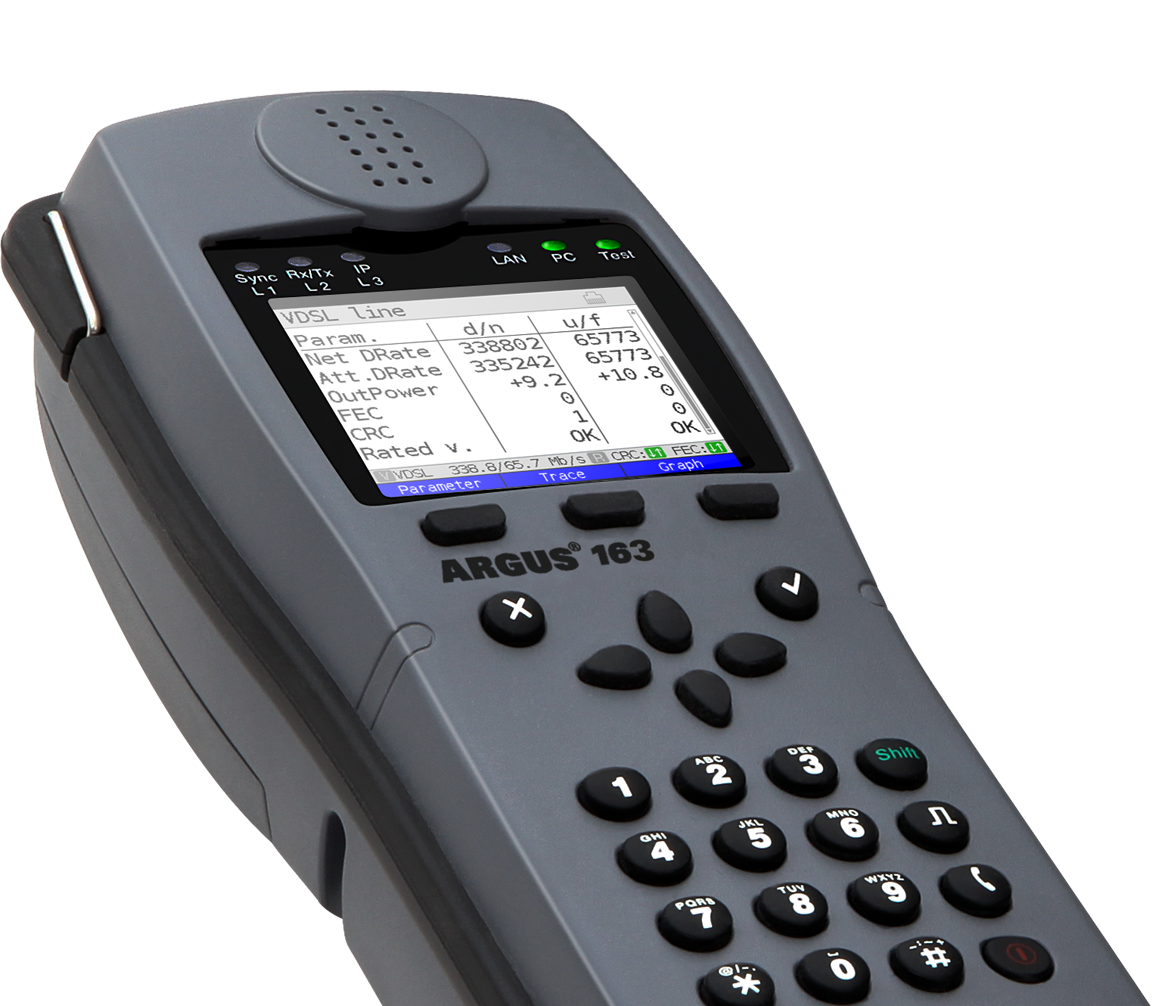
ARGUS® 163
the G.fast tester
... for testing ultra fast broadband. Test now G.fast and VDSL2 Super Vectoring, profile 35b Bonding and many more.